Security writeups & incident audits
Documentation and incident reporting is part of the work. Below are real incident audits from my home lab, including technical analysis and remediation.
Incident audit: Exposed Pi-hole admin page
Status: Fixed
Summary
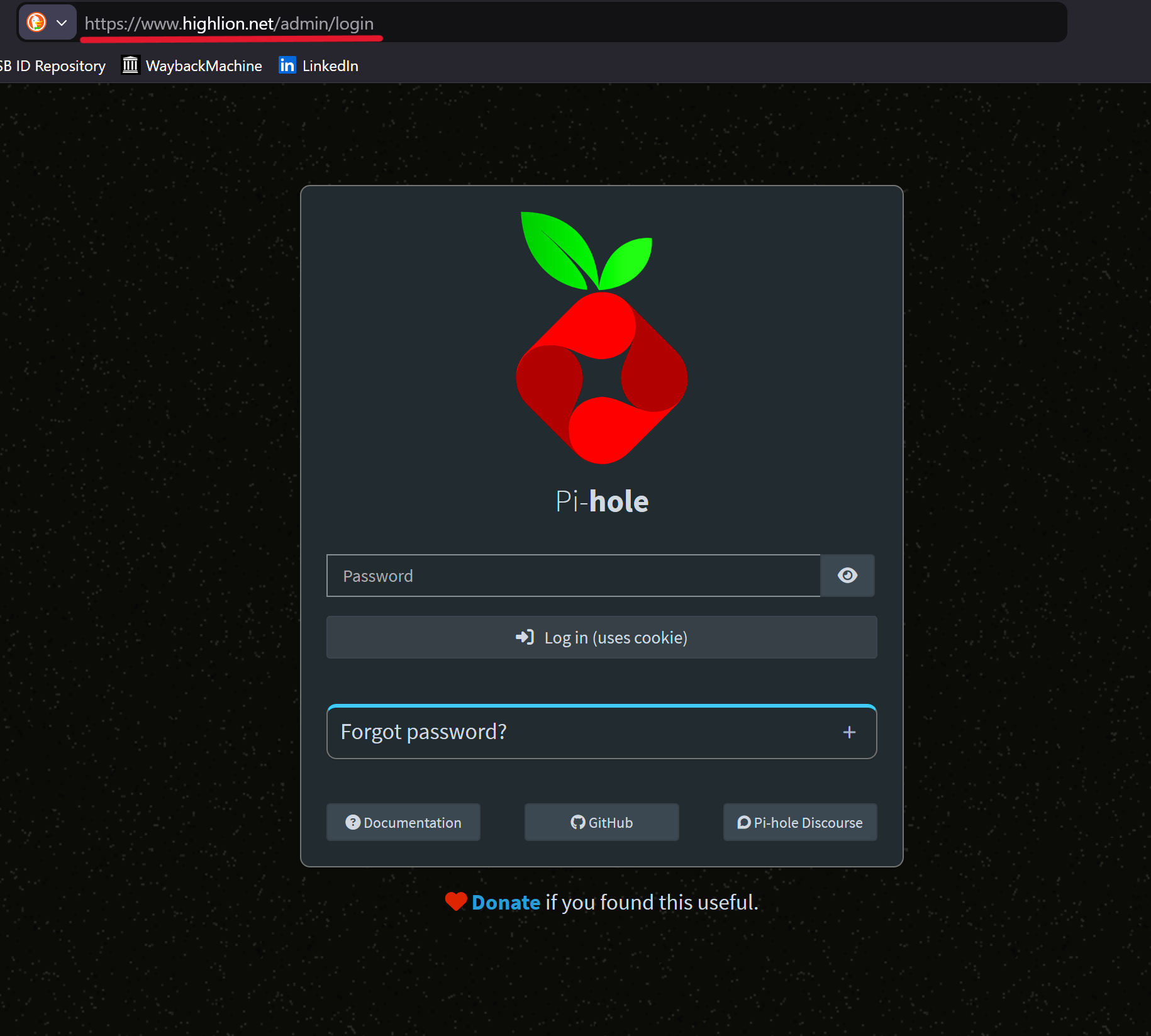
In my home network, I discovered that the Pi-hole admin login page was exposed to the internet through my domain. I found this while reviewing my own attack surface, trying several admin paths and then verifying that the Pi-hole panel was indeed reachable from outside the network.
Environment
- Web server: Running Apache and NGINX, with Cloudflared as a reverse proxy.
- Pi-hole instance (DNS server).
- Public-facing website.
- Public access via:
https://www.highlion.net.
How I found it
As part of self-testing my own network, I checked my domain from the outside. I browsed to
the domain, and then tried several common admin paths, including /admin and /admin/login. The
latter path directed me to the Pi-hole admin login page. I then confirmed the
exposure from another external network to make sure it was not just a routing or DNS issue.
Root cause
The issue came from a reverse-proxy misconfiguration:
- Both the public website and Pi-hole were running on the same server.
- The proxy rules for the domain did not include a proper catch-all/default restriction.
- The misconfiguration acted as a fallback for
/admin/login.
Because of this, requests to https://www.highlion.net/admin/login were routed to the
Pi-hole backend, and the admin panel, which was meant to be internal only, became exposed to the internet.

Fixes and hardening
To fix the vulnerability and harden the network, I took these steps:
- Separated services. I Moved the Pi-hole service to a different machine instead of sharing the server with the public website.
- Fixed the reverse-proxy configuration. I Created a proper catch-all/default configuration for the public domain so that non public paths do not fall back to other internal services.
-
Restricted Pi-hole admin access.
I Limited Pi-hole admin access to specific admin IPs from the internal network only, and verified that
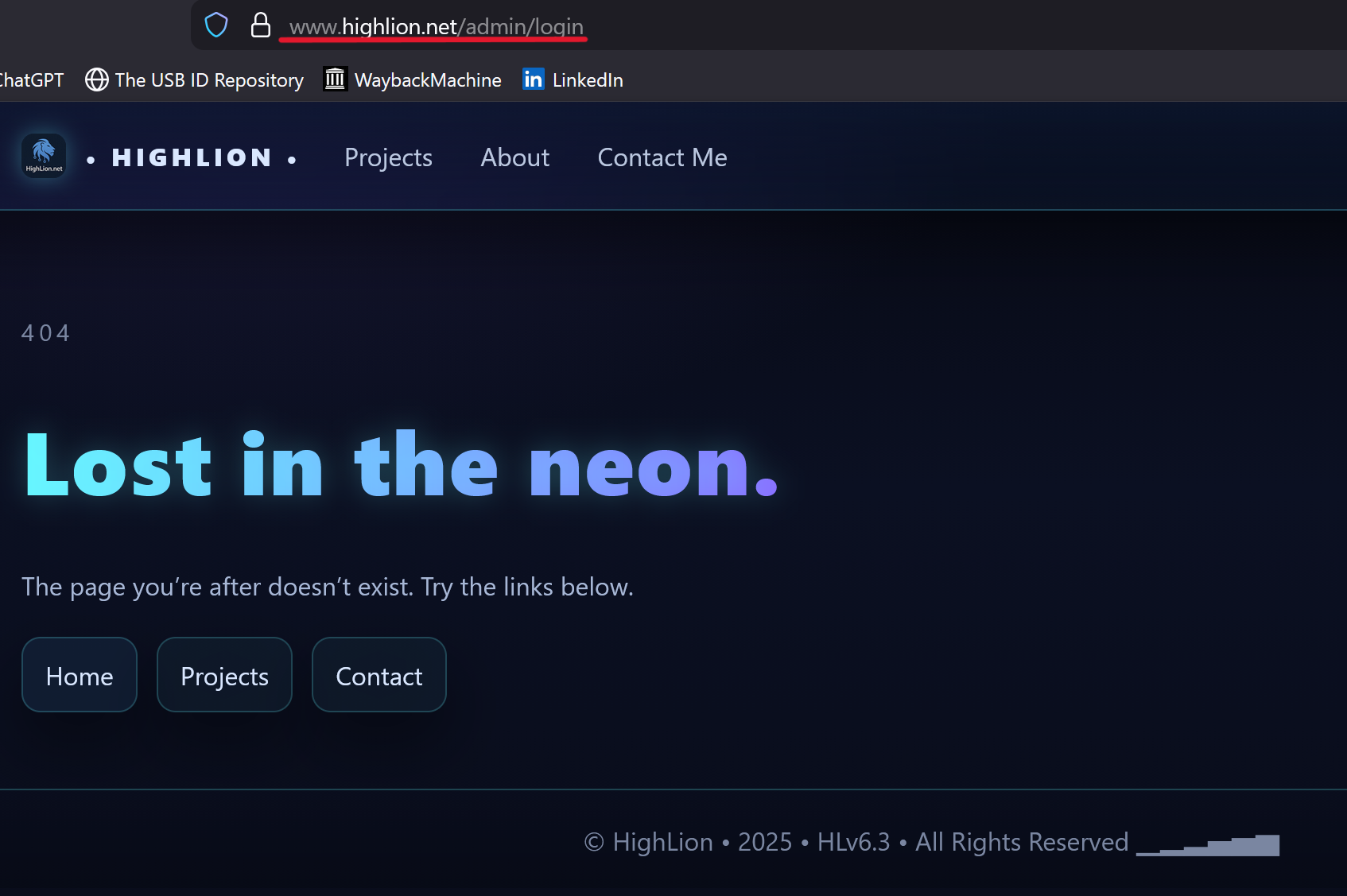
/adminand/admin/loginno longer expose the panel and now return a 404 from the internet.